
When most people think about ServiceNow, they jump straight to the exciting parts — the workflows that feel almost alive, catalog items that guide users step by step, or integrations that link completely different systems in the background. Those pieces are impressive, no doubt, but they all rest on something far simpler. Hidden underneath everything is a quiet set of actions that keep the entire platform moving. That foundation is CRUD.
Even if you don’t realize it, you’ve used CRUD countless times. Submitting an incident, checking a user record, clearing out test data from a table — all of that happens because CRUD is running behind the scenes.
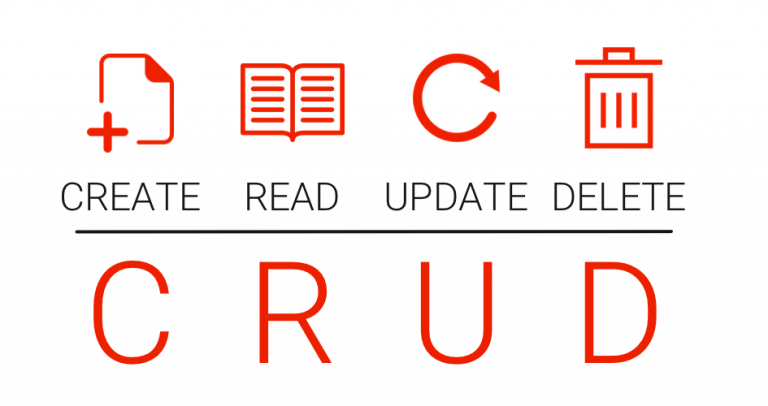
CRUD stands for Create, Read, Update, Delete, the four basic operations that let ServiceNow communicate with its database. No matter how advanced or complicated a process looks from the outside, somewhere inside that process, one of these four actions is happening. Think of CRUD as the platform’s heartbeat — steady, constant, and essential.
This article looks at CRUD from a real-world perspective — not theory, but what it feels like when you’re actually working with ServiceNow every day.
Why CRUD Matters More Than We Realize
ServiceNow revolves around a single data model. Whether you’re opening an incident, browsing the CMDB, or working on a custom table, the platform uses the same basic pattern to handle data. Once you understand CRUD, you gain clarity on:
- how GlideRecord retrieves or modifies information
- when and why Business Rules fire
- how integrations push and pull data
- what import sets and scheduled jobs actually do behind the scenes
Having a solid grip on CRUD makes your work predictable. Instead of trying to guess why something went wrong, you start to see how records change step by step.
1. Create: The Starting Point for Every Record
From a user’s view, creating a record looks simple. You fill in a few fields, click Submit, and move on. Behind that button, however, the platform quietly performs a series of checks.
When a new record is created, ServiceNow:
- verifies mandatory fields
- applies default values
- runs insert Business Rules
- checks whether the user has permission
- can trigger flows or workflows
- may send alerts or notifications
A tiny action on the UI can start a chain reaction of automated tasks.
Common Places Where Records Are Created
- logging a new incident
- opening a change request from a problem
- adding a new CI to the CMDB
- scripts that create records automatically
In Script
var gr = new GlideRecord(‘incident’);
gr.initialize();
gr.short_description = “Email outage reported”;
gr.category = “network”;
gr.insert();
A scripted insert works just like clicking Submit, but without the form.
2. Read: The Operation That Happens Constantly
Reading data is the most frequent CRUD operation, even though it rarely gets attention. Anytime you open a table, view a list, or select a reference value, the system is performing read operations.
Where Read Takes Place
- list view filtering
- loading reference fields
- running reports and dashboard widgets
- backend GlideRecord queries
- external applications pulling data via API
“Read” is happening almost nonstop, whether you notice it or not.
Script:
var gr = new GlideRecord(‘incident’);
gr.addQuery(‘priority’, 1);
gr.query();
while (gr.next()) {
gs.print(gr.short_description);
}
Nothing in ServiceNow functions without first reading data.
3. Update: Changing a Record Without Breaking the Flow
Updating looks simple, but it can trigger many processes internally. Changing even a single field can influence audit logs, workflows, related lists, or UI rules.
When a record is updated, ServiceNow may:
- store audit history
- confirm the user has update rights
- run update Business Rules
- refresh calculated fields
- trigger flows or notifications
Where Updates Are Common
- changing the state of an incident
- reassigning records
- Excel imports replacing older values
- scheduled jobs correcting data in bulk
In Script
var gr = new GlideRecord(‘incident’);
if (gr.get(‘number’, ‘INC0012345’)) {
gr.state = 2;
gr.comments = “Issue resolved.”;
gr.update();
}
Updates quietly push a record from one stage of a process to the next.
4. Delete: The Operation You Use Carefully
Deleting might seem simple, but in ServiceNow it carries weight. Removing a record can affect reporting, break relationships, or disrupt workflows. For that reason, the platform treats delete actions with extra caution.
ServiceNow protects delete operations by using:
- ACL rules to restrict who can delete
- cascading rules that handle related data
- system logs that record deletions
- confirmation prompts on the UI
- restrictions on deleting critical tables
Where Delete Is Used
- removing test or sample data
- cleaning up duplicate records
- fixing incorrect CMDB entries
- clearing out old incidents
- deleting outdated schedules
In Script
var gr = new GlideRecord(‘incident’);
if (gr.get(‘number’, ‘INC0012345’)) {
gr.deleteRecord();
}
Most developers delete only when they’re absolutely sure it’s the right move.
UI vs. Script: Distinct Routes, Identical Outcome
Depending on whether you write a script or use the user interface, CRUD behaves differently.
Using the user interface
- Form layouts guide actions
- Client scripts can run
- UI Policies may change values or visibility
- Users interact with fields directly
Using Scripts
- No UI limitations
- Fast and powerful
- Easy to automate
- Mistakes can affect large amounts of data
The steps in between are different, but both approaches produce the same result.
Where CRUD Appears in ServiceNow
You begin to see CRUD everywhere once you know what to look for:
- behind-the-scenes data adjustments in Business Rules
- Flow Designer actions relying on Create/Update
- Transform maps and import sets handling new or modified records
- CRUD-based integrations
- client scripts triggering indirect updates
- scheduled jobs performing bulk operations
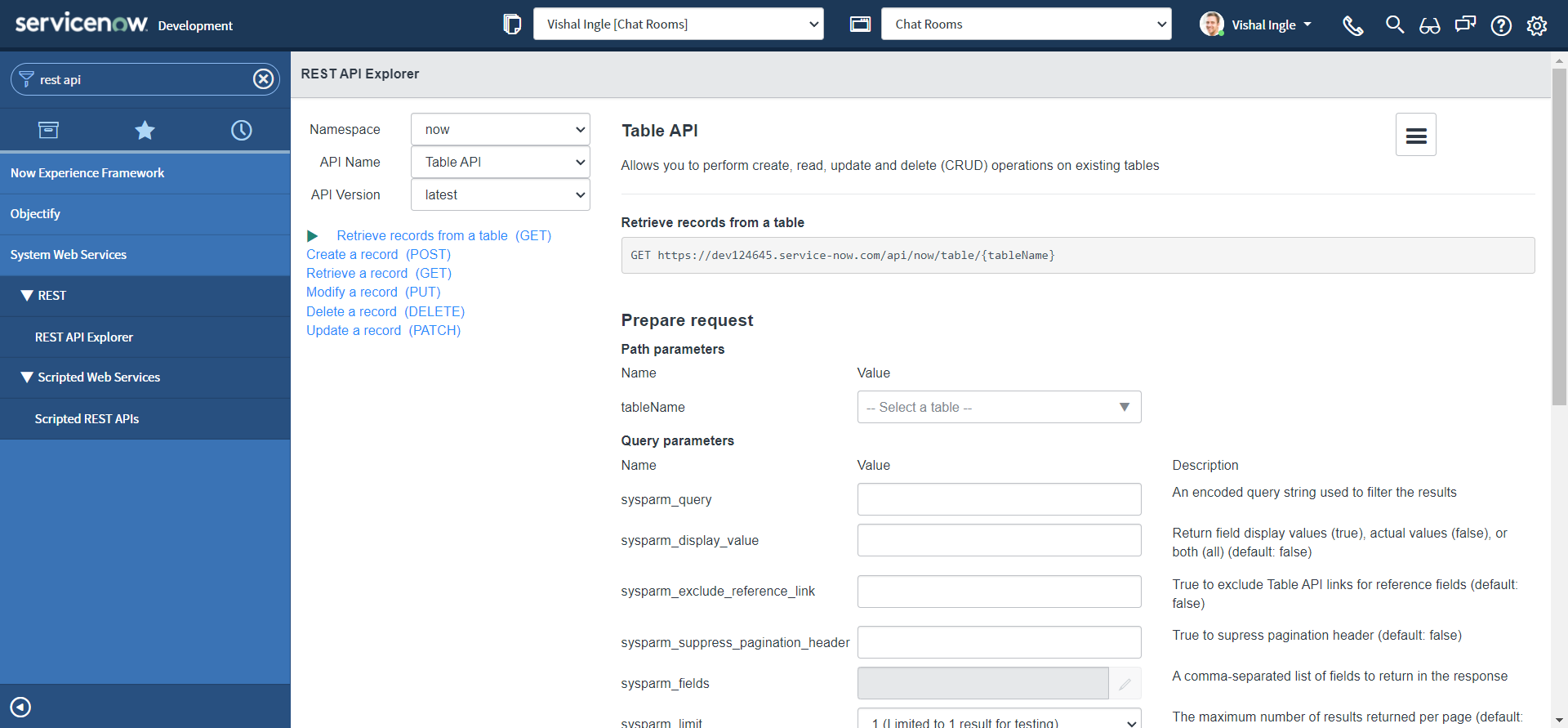
CRUD is the foundation that everyone uses but nobody talks about.
Why Developers With Strong CRUD Skills Make Fewer Mistakes
A surprising number of issues — missing data, slow scripts, logical errors, or broken workflows — come from misunderstandings around CRUD. Once developers understand how records actually move through the system, they make far fewer mistakes.
Strong CRUD knowledge helps you:
- build efficient GlideRecord queries
- avoid unnecessary updates
- prevent performance issues
- design stable rules and flows
- maintain clean, structured data
Once CRUD is understood, even advanced automation becomes easier to design.
Concluding Remarks: CRUD Sustains the Platform
If ServiceNow were a machine, CRUD would be the gears and wiring keeping it alive. Every action — small or large, manual or automated — depends on one of these four operations.
Learning CRUD brings the entire platform into focus. It may not be the flashiest part of ServiceNow, but it is the foundation on which everything else is built.


