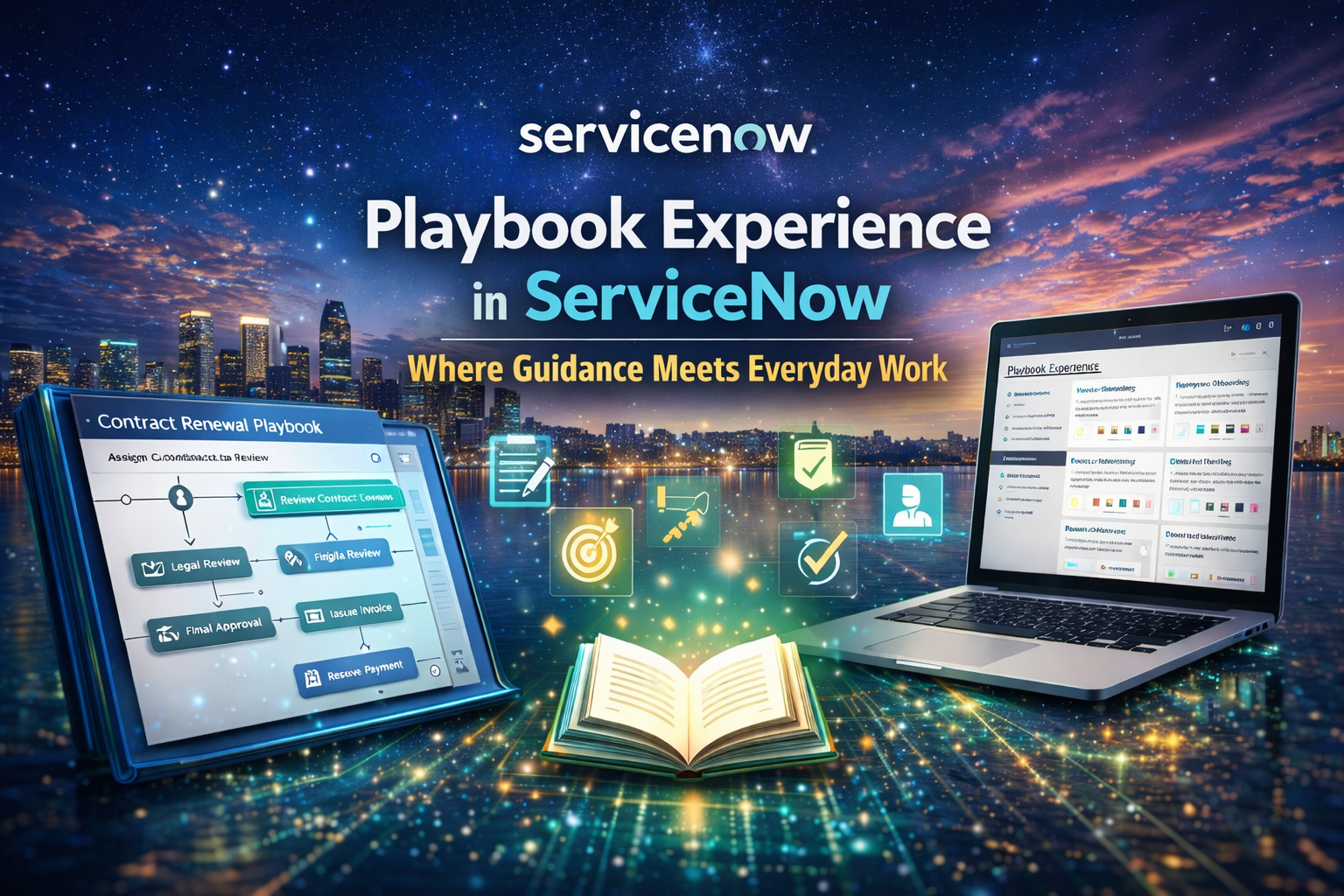
Anyone who has used ServiceNow for a bit will recognize the following issue well: the application can do powerful things, but this power also means that those things are difficult to handle. Simple tasks are difficult to perform by new agents. Experienced users start encountering the problems of consistency, since each person has their own “way of working.”
Playbook Experience has been designed to fill this exact gap.
Playbook Experience shifts the reliance on users remembering processes, policies, or best practices by bringing guidance into the flow. It does not eliminate training or the generation of documentation, but it minimizes dependency on them. The user does not need to leave their work environment to solve a puzzle on how to proceed next; the system does it all in the background.
What Is Playbook Experience, Really?
Fundamentally, Playbook Experience is about guided workflow on ServiceNow. It is designed to display tasks, steps, and actions in a user-friendly manner to users as they actively work on a record.
In place of reading lengthy process documents or asking teammates for assistance, the user sees:
- Overview: Just what needs to be done
- In the order of
- What is optional
- What is mandatory
- What is already completed
All this appears in context, usually on the right side of the form, without interfering with the actual work.
The key concept is not a complicated one: where the user is to be directed without slowing him down.
Why Playbook Experience Matters More Than It First Appears
On the surface, Playbook Experience may look like a UI enhancement. But in real-world usage, it changes how people collaborate with the platform.
Here’s why it becomes important over time:
- It reduces dependence on tribal knowledge.
- It enables new users to be productive sooner.
- It improves the consistency of the process.
- It reduces the rate of errors.
- It makes seemingly unmanageable processes appear manageable.
In most organizational setups, a process gets handled in a different way by each team. Playbooks subtly solve this issue by making the “right way” available without enforcing it through rigid controls.
Where Does the Playbook Experience Fit In?
One of the most compelling features of the Playbook Experience is the fact that it doesn’t really feel like it’s additional work. It just runs in addition to the regular workflow of ServiceNow.
For instance, in an HR case such as employee onboarding, one would not count on the HR individual recalling all the steps. The steps could be represented as:
- Confirm employee details
- Background investigation initiated
- Add system access request
- Equipment assignment task
- Joining date confirmation
All of the steps listed above may relate to:
- A form update
- A task creation
- A flow trigger
- Or just a confirmation checkbox
However, the user remains on the same record, but this time, he gets clarity instead of ambiguity.
Behind the Scenes: How Playbooks are Organized
From a configuration standpoint, Playbook Experience is based on playbooks, stages, and activities.
The general form is this:
- Playbook – The overall guide tied to a process
- Stages – The logical steps in a process
- Activities – Actions undertaken by individuals during each phase
All the activities will also be either informational or interactive. While some activities only present the required actions descriptively, some will actually help the user update the respective fields or run the flow.
The system self-captures all progress, so at any time, users know where they are.
Where Playbook Experience Is Commonly Used
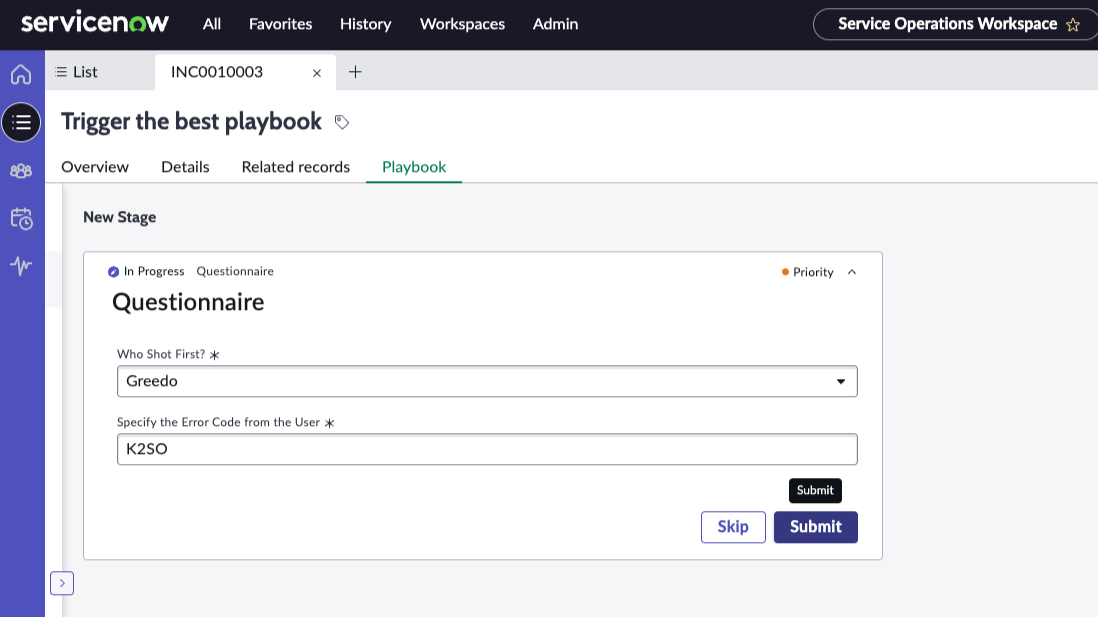
Playbook Experience is particularly effective when doing structured and predictable tasks. Some examples of where it is commonly used include:
- Case Management HR
- IT Service Request Fulfillment
- Security incident response
- Customer Service Flows
- Customer Service Operations / Field Service
Involving complex consensus-based processes in such regions, missing a step can lead to serious trouble. Playbooks eliminate such risks without adding friction.
A Realistic Example That Makes It Click
Take an example from the area of security incident response.
Without Playbooks:
- Analysts use memory
- Steps are skipped when under pressure
- The documents are reviewed too late
- Quality of response varies
With Playbook Experience:
- Initial assessment procedures are apparent from the very start
- The collection of evidence is structured
- Notifications are well-timed
- The escalation steps are apparent
- “Closure conditions” have now emerged
Decisions are still made by the analyst, but it is ensured that nothing crucial is overlooked.
It is just this balance between guidance and flexibility that Playbook Experience achieves.
Why Users Really Like Playbooks
A potential problem with guided tools is that people may find them confining or irritating. The Playbook Experience is, paradoxically, the reverse.
The user will appreciate it since:
- It eliminates uncertainty
- It lessens cognitive burden
- Reassures while undertaking complicated tasks
- Assists in eliminating rework
- It ensures the expectations are clear
Users instead feel supported rather than controlled.
Things to Keep in Mind When Designing Playbooks
Not all processes require a playbook. Playing them can become noisy instead of adding value.
Well-crafted playbooks are:
- Focused
- Relevant
- Simple
- Context-aware
Inadequate playbook design:
- Overexplaining simple procedures
- Force unnecessary actions
- MIMIC experienced users
- Be forgotten over time
It is a policy paper, not a management paper.
Playbook Experience vs Automation
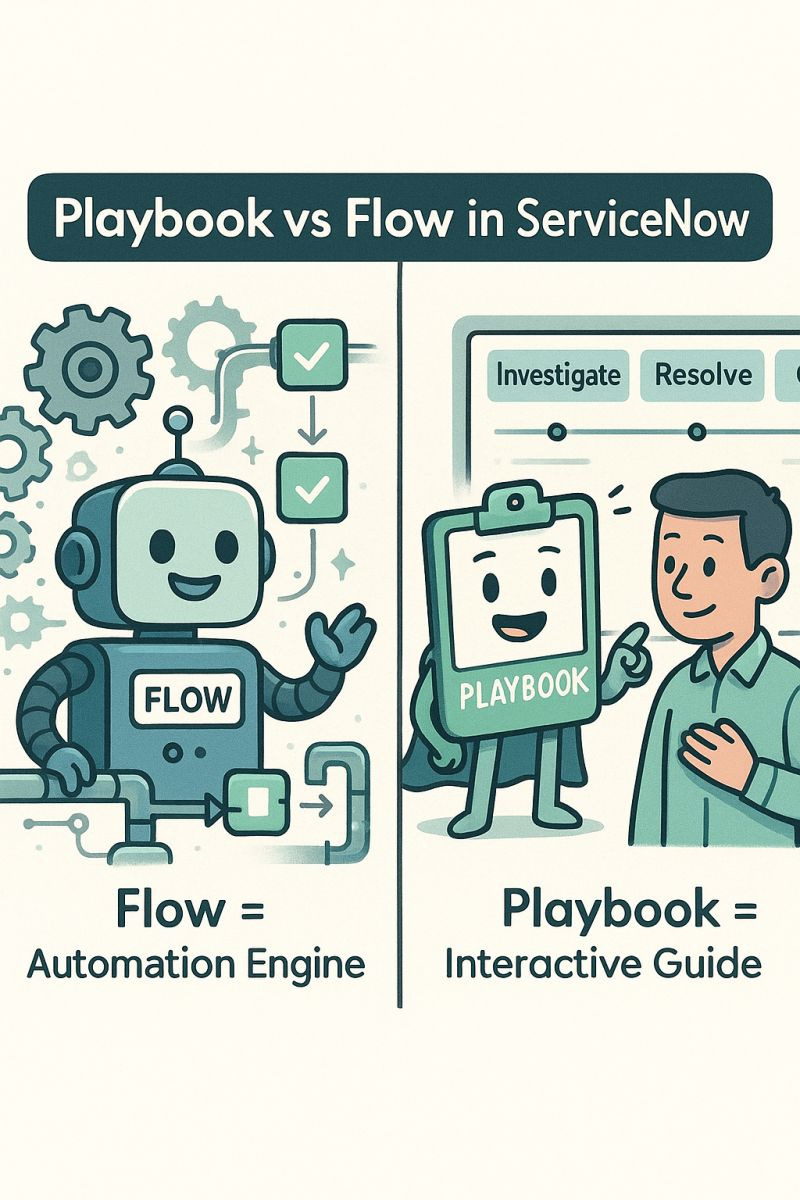
One needs to remember that Playbook Experience is not automation.
In other words:
- Automation carries out activities
- Playbooks aid humans during their working process
In more mature embodiments, both are commonly combined:
- Processes the backend tasks using automation
- Playbooks guide decision-making and collaboration
Together, these provide the best outcome.
The Long-Term Value of Playbook Experience
Eventually, Playbook Experience is more than just a feature in the UI. It grows to be how the organization inserts its knowledge into the platform.
Processes become:
- Easier to learn
- Easier to audit
- Easier to improve
- Easier to scale
When individuals switch roles or teams, the playbook still stays. The knowledge is retained within the system and not in an individual.
Final Thoughts
Playbook Experience in ServiceNow is no conservative in its approach, aiming to impress through its functionalities. Playbook Experience in ServiceNow is more about providing clarity in confusion and structure in complexities.
For companies that struggle with execution issues, long onboarding processes, and knowledge gaps, the Playbook Experience provides the answer. It doesn’t replace people and processes, but rather complements them.
Once implemented correctly, it’s one of those things they use without even realizing the feature is there. Which is really the best kind of feature to implement, in my opinion.


