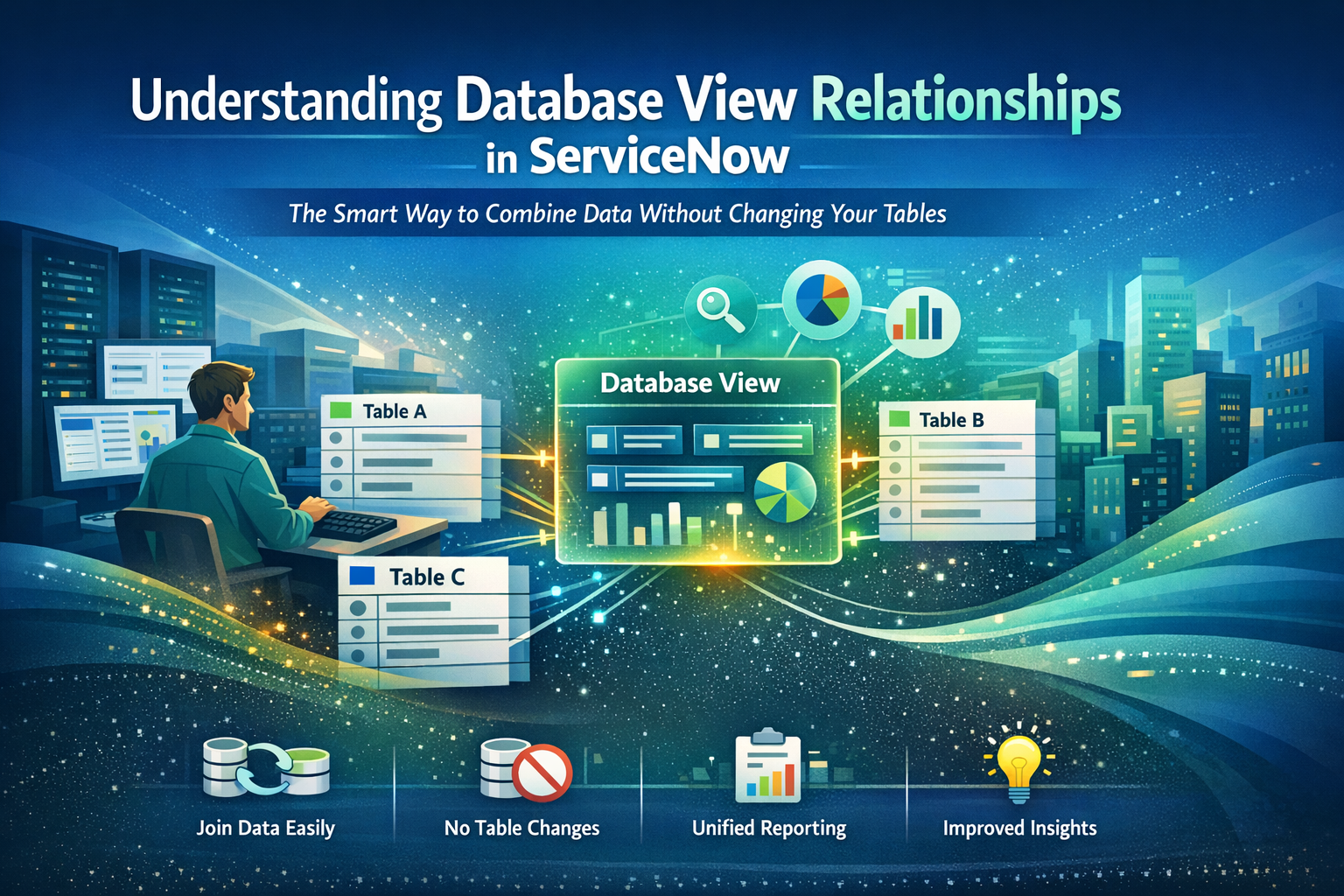
When you start building applications or complex reports in ServiceNow, one thing becomes clear very quickly: your data rarely sits in one single table. Information is scattered across multiple tables — incidents store caller details, configuration items store technical data, tasks store workflow details, and so on.
Trying to put all these pieces together can be like trying to put together a huge puzzle without being able to see the whole picture.
This is where Database Views step in.
They don’t get the same hype as CMDB, Flow Designer, or scripting tricks, but honestly, Database Views are one of the most powerful features ServiceNow gives you for connecting data in a clean, non-destructive, and highly efficient way.
The best part? They allow you to join tables without writing any backend SQL and without touching your original data structure.
In this blog, we’ll discuss Database Views, their significance, how they work in the background, and how they quietly boost reporting and analytics capabilities beyond what most administrators are aware of.
What’s Included in a ServiceNow Database View?

- A virtual table made by merging two or more preexisting tables is called a Database View.
- It doesn’t copy anything from your original tables or store data on its own.
- Instead, it retrieves real-time data from the tables as soon as you query it.
Think of it as a transparent window that lets you see aggregated data that is usually found in different places.
For instance:
- The incident table contains incident data.
- Caller information is stored in the sys_user table.
If you want a report that shows:
“All incidents with caller name, department, manager, and category”
You could create reference fields, write scripts, or export data into Excel… but all of that is messy and unnecessary.
With a Database View, you simply create a join:
- incident → caller → department
And boom — you get a virtual table that you can use for reports, dashboards, and analytics.
Why Database Views Actually Matter
Many admins ignore Database Views in their early days because they’re not visible in forms or modules unless you manually look for them.
However, Database Views become your best friend when you start developing serious reporting structures, script logic, MID Server integrations, or audit dashboards.
They are extremely valuable for the following reasons:
- You can join tables without changing the schema.
- No need to redesign tables or add new fields.
- Your base tables are still immaculate and unaltered.
- Theymaintainconsistency in data
- There is no chance of duplicates or out-of-date values because views pull real-time data.
- They enhance reporting
- The platform can handle complex reports that typically require Excel formulas and export.
- They supportGlideQueryand script reuse
You can query a Database View in:
- Script Includes
- Scheduled Jobs
- Integrations
- Business Rules
- Even Flow Designer (via scripts)
- They reduce script overhead
- Instead of writing multiple GlideRecord queries and looping through long chains, one Database View can replace 20–30 lines of backend code.
How Database Views Work Behind the Scenes
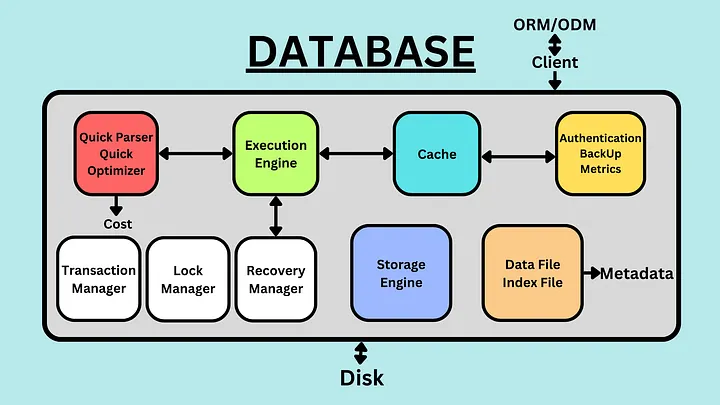
Even though ServiceNow uses MySQL at its core, it doesn’t allow admins to write raw SQL.
Database Views are ServiceNow’s controlled approach to giving you the power of SQL joins without exposing the database.
A database view typically includes:
- A base table as the foundation
- One or more tables connected by fields that match
- The join condition that defines how the tables relate
For example:
- Incident.caller_id = Sys_user.sys_id
This join condition works similarly to a SQL INNER JOIN.
Put differently:
- Only matching records appear.
- There is no creation of duplicate data.
- No table is modified.
ServiceNow builds the view the moment you query it, making it efficient and safe.
Where You See Database Views in Everyday Work
Even if you’ve never created one manually, you’ve probably used Database Views without realizing it.
Common places include:
- SLA reporting
- Asset + CI combined reports
- Change + Task analytics
- HR case + employee profile dashboards
- Security Incident + Indicator tables
- Contract + Vendor reporting
For example, the platform uses a built-in view called task_sla to show SLAs linked with tasks — a perfect example of Database Views powering simple UI features.
A Real-World Scenario to Understand Database Views Clearly
Imagine you’re building a dashboard for your IT support manager.
They want one report:
“Show me all incidents, the caller’s department, CI info, and the SLA status.”
This information is stored in:
- incident table → basic record
- sys_user table → caller profile
- cmdb_ci table → configuration item
- task_sla table → SLA details
If you try to get this through normal reference fields, you’ll drown in cross-table queries.
But with one Database View, such as:
- incident
→ sys_user (caller)
→ cmdb_ci (affected CI)
→ task_sla (SLA records)
You get a smooth, single virtual table.
Now you can:
- Build reports
- Create analytics dashboards
- Export summaries
- Build Manager-level widgets
Without writing a single script.
When Should You Use Database Views?

Use a Database View when:
- You need combined reporting from multiple tables.
- You want to avoid scripting.
- You want a clean structure instead of adding dozens of reference fields.
- You want to join tables that do not directly reference each other.
- You need consistent data in dashboards.
- You are building a performance analytics widget.
Avoid using a Database View when:
- You only need simple one-table reports.
- A single reference field already solves your requirement.
- You expect extremely large data sets (views can be heavy).
- You don’t have proper join conditions.
Tips to Make Database Views Perform Smoothly
Because Database Views can involve large amounts of data, use them wisely:
- Always choose a small base table.
- Avoid unnecessary joins.
- Keep join conditions simple.
- Use indexed fields for joining.
- Database Views should not be used in frequently executed business rules.
- Use them mainly for analytics and reporting.
By following these guidelines, you can preserve the responsiveness and speed of your instance.
Concluding Remarks
Although they are frequently disregarded, ServiceNow’s database views subtly enable some of the platform’s most potent reporting and data-analysis features.
They eliminate the need for complex scripting, prevent duplicate fields, and allow you to join tables without changing your data model.
Database Views provide you with a more intelligent, clean, and scalable method of working with linked data — whether you’re developing reusable backend logic, advanced analytics, or leadership dashboards.
Once you understand how they work, you start seeing countless ways to use them.
They are among ServiceNow’s most clever tools, providing the perfect balance of control and flexibility, despite their lack of style.


