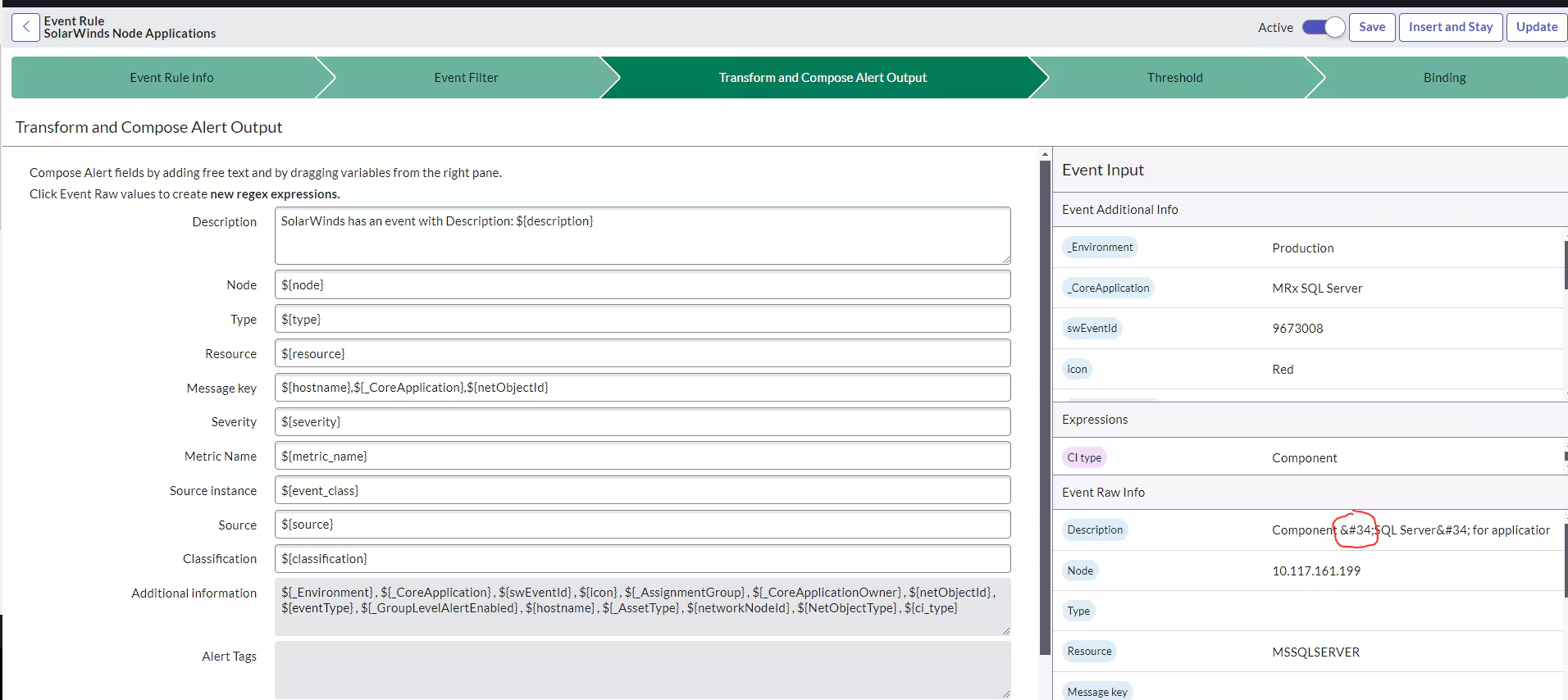
Event Rules in ServiceNow – The Invisible Engine Behind Smart Automation
If you’ve ever set up notifications or launched background processes within ServiceNow, then you’ve already worked with events – even though you might not have realized it at the time. Events are one of those ServiceNow features that quietly get on with the business of automation without drawing attention to itself. It’s not sexy; it doesn’t have a pretty dashboard, but it is essential to how ServiceNow reacts to change.
- Event rules are the glue that connects activity to actual outcomes.
- Without them, ServiceNow is basically a database.
- With them, it becomes a reactive entity.
When I first started working with ServiceNow, I was initially focused on business rules and flows. These felt intuitive; events felt vague. It was only when I had to design a scalable notification system that I realized why events – and event rules – actually exist within ServiceNow.
Let’s break this down properly.
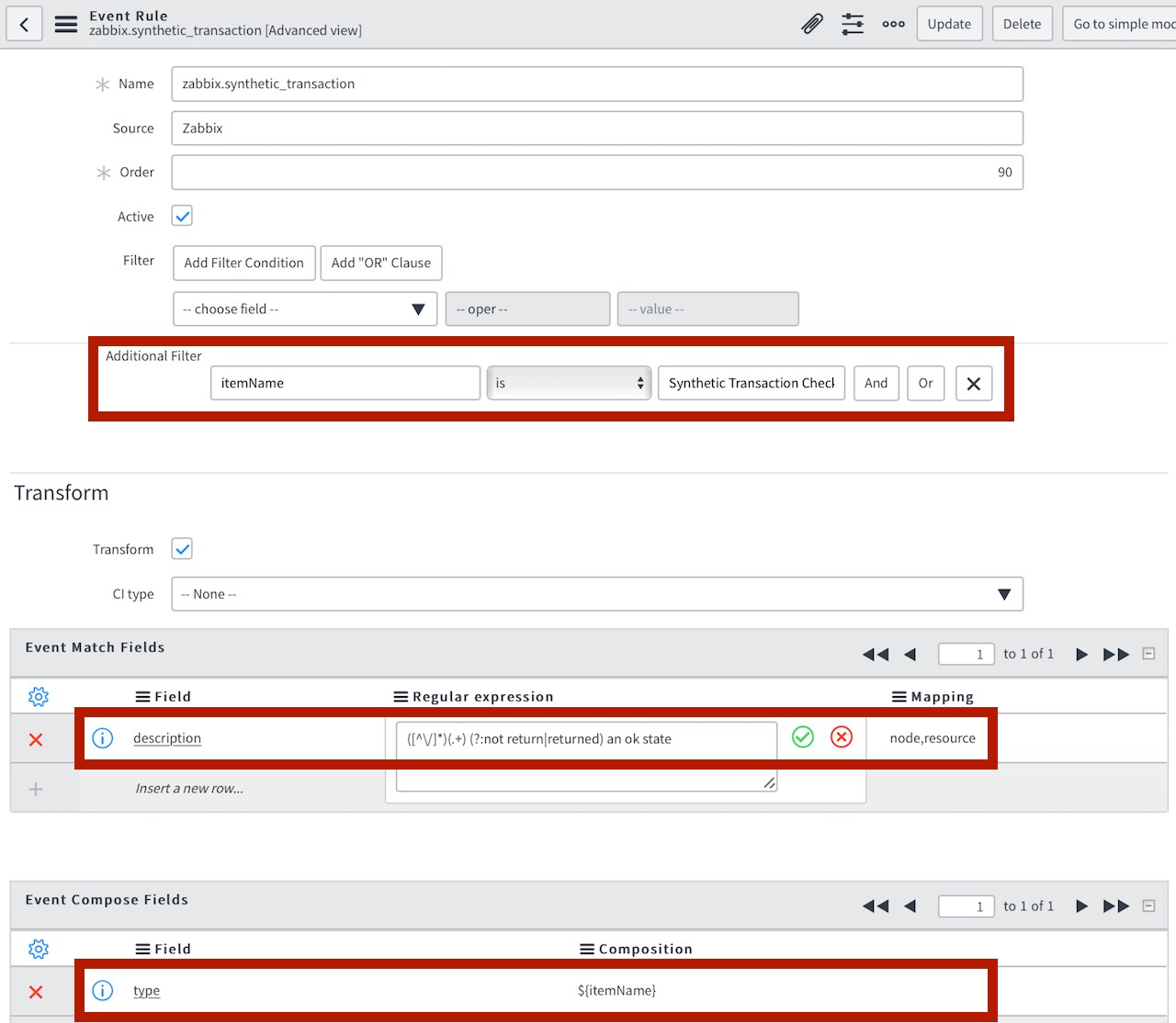
What Is an Event in ServiceNow?
An event, at its core, is simply a message that something occurred.
That’s all.
When a record is changed, created, modified, or meets a certain condition, ServiceNow can “queue” an event.
- This event is then queued, waiting for something to happen to it.
- It does not act on anything, but rather sends a message that something occurred.
It’s kind of like a doorbell.
- It’s pressed, but it does not open a door on its own – it sends a signal.
So What Is an Event Rule?
An event rule is a definition of when and how an event should occur.
It answers:
- When should an event be triggered?
- What should the name of this event be?
- Which record is this event related to?
- Should any parameters be sent along with this event?
Once this event is triggered, something else within ServiceNow, such as a notification, script action, or a flow, can act on this event.
- Event rules are essentially a bridge between something happening to data and something being done about it.
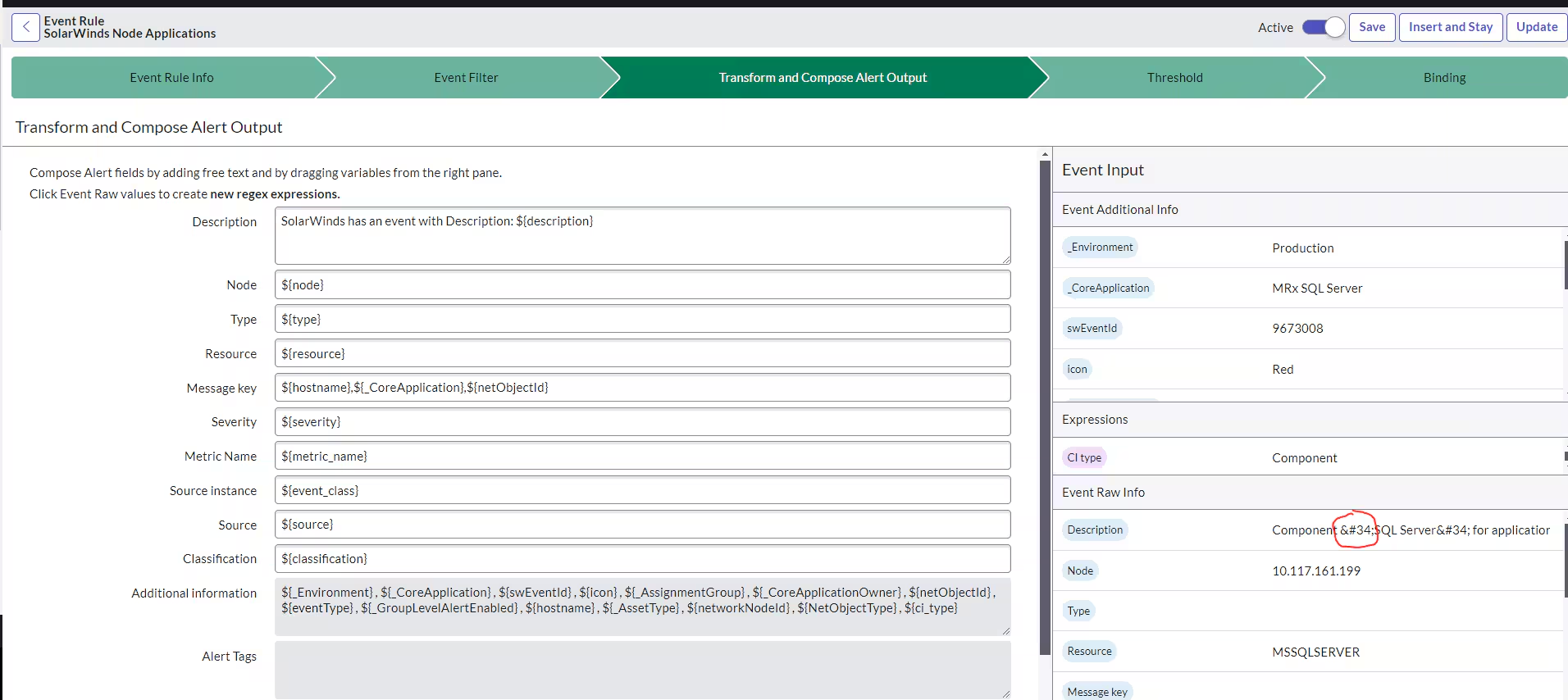
Why Not Just Use Business Rules for Everything?
This is a common question.
Business rules are very powerful, as they may be executed before or after database operations. They may also manipulate data, enforce business logic, or execute scripts. So, why should we use events at all?
The answer is separation and scalability.
- Business rules are executed immediately and directly.
- Events are executed later, asynchronously (in most cases).
Here’s why this is a better solution:
- Your database operations are always quick.
- Heavy processing is never tied to record updates.
- Notifications are easy to handle.
- Multiple listeners may handle one event.
This is very important, especially for large enterprise systems.
How Event Rules Operate
Suppose you want to send a notification when the priority level of an incident changes to critical.
You could create a business rule that sends the notification directly. However, this would couple the rule to that specific rule.
A better approach would be to create an event rule that says:
- If an incident is updated and its priority level changes to 1, queue the “incident.critical” event.
That’s it. The event rule has now queued the “incident.critical” event in the event queue.
Next:
- A notification might be listening for the “incident.critical” event.
- A script action might be listening for the “incident.critical” event as well.
- A flow might be triggered as well.
One event, multiple responses. This is the power of event-driven architecture.
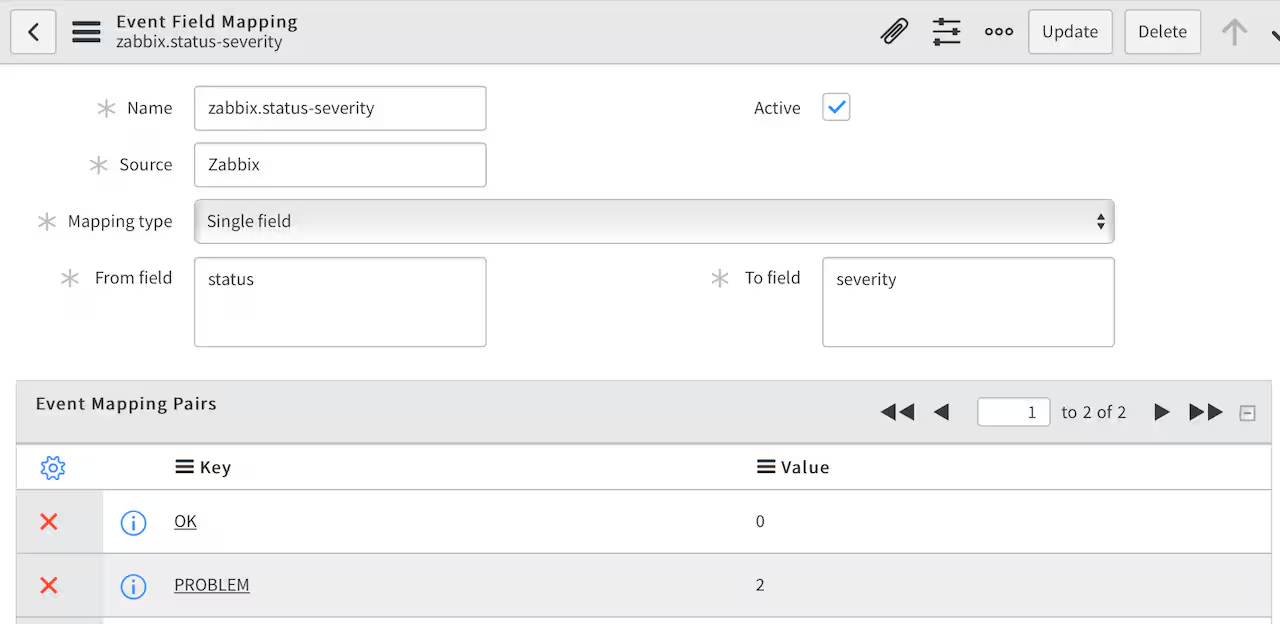
The Event Queue – Where the Magic Happens
For each event that occurs, an entry for that event is inserted into the event queue table. In fact, you can view this in the system if you want to see how this works behind the scenes.
- The event processor processes the events that are in the queue.
- It determines which notification(s) or script action(s) might be listening for that specific event name.
This means your record update does not have to wait for emails to be sent and scripts to be executed. This happens in the background.
It’s efficient and elegant.
Key Components Related to Event Rules
To understand event rules, let’s take a look at the various components related to event rules:
- Event Registration
- In order to use an event, you need to register the event first.
- This is simply to specify the event name and the table to which this event belongs.
- Event Rule
- This is where you specify when to trigger the event.
- Event Queue
- This is where the event is temporarily placed after it has been triggered.
- Event Consumers
Event consumers include:
- Notifications
- Script Actions
- Flows
- These event consumers listen to specific event names.
When Should You Use Event Rules?
Event rules should be used when:
- Multiple processes rely on a single trigger event.
- Notifications should be decoupled from your business logic.
- You need asynchronous execution.
- You need scalability in your automation process.
- Event rules should be used when you have complex scenarios where scripting is difficult to implement.
- If you need to implement the same notification in multiple places, then you need to consider moving to event rules.
A Real-World Example
Suppose we need to send email notifications to the management team, send SMS notifications to the on-call team, create a problem record, and log in to an external monitoring system for a high-priority incident. We could do all that in one business rule with a script.
That would be bad practice for several reasons.
Here’s how we can do it better:
- Use an event rule to send “incident.high_priority”.
- Use a notification to send an email.
- Use another notification to send SMS.
- Use a script action to create a problem.
- Use a flow for integration.
All these steps are now loosely coupled. If we need to change the SMS provider, we can do so without affecting the rest.
Common Mistakes with Event Rules
Even experienced developers can make mistakes with events. Here are a few mistakes that can be made:
- Too many unnecessary events can be created.
- Events can be forgotten to be registered before use.
- Synchronous and asynchronous programming can be mixed without realizing the consequences.
- Complexity can be added unnecessarily for logic that doesn’t need an event.
Of course, not all situations call for an event rule. In many cases, a business rule is perfectly adequate.
- The trick is to know when separation is advantageous.
Why Event Rules Improve Long-Term Maintainability
In small implementations, event rules may be nice to have but not necessarily necessary. In large implementations, they are essential.
Event rules can be used to:
- Improve architecture
- Simplify debugging
- Eliminate duplicate scripting
- Improve performance
- Simplify the design of automations
Most importantly, they make your system easier to understand for others. If someone sees an event named “change.approved”, they instantly know what this event represents.
- Good naming and effective event usage lead to clarity.
Final Thoughts
Event rules in ServiceNow may not be the most flashy feature, but they are arguably the most significant tool you can leverage to create scalable automations.
- They separate triggers from actions.
- They optimize database efficiency.
- They enable multiple processes to respond to the same event independently.
Once you begin to think about event rules, your applications simply feel better. They feel cleaner, your notifications are easier to manage, and your scripting is simpler.
If your goal is to go from basic configuration to good architecture in ServiceNow, then one big leap forward is to understand event rules. They are working behind the scenes, but they are one of the biggest engines driving how responsive ServiceNow can be.


