One-to-Many Relationships in ServiceNow: The Quiet Logic Behind Smooth Data Flow
If someone had asked me a few years ago, “What’s the most important part of building anything in ServiceNow?” I would’ve probably listed things like forms, UI policies, fields, or maybe workflows — all the obvious pieces we interact with first.
But after spending years inside the platform, breaking things unintentionally and fixing them intentionally, I realized something else quietly drives the system: the relationships between tables.
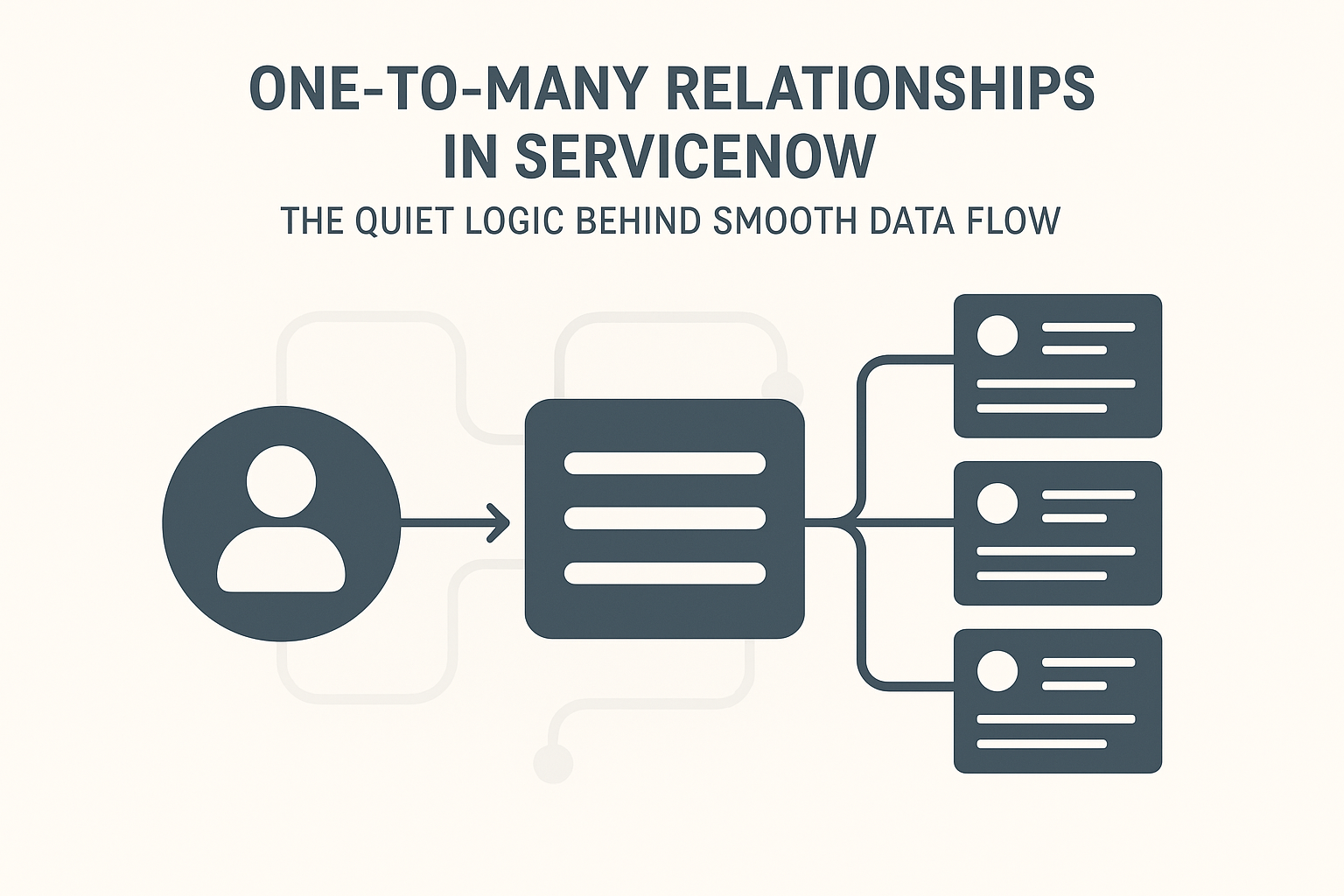
And among all those relationships, one-to-many is the silent structure that keeps everything functioning smoothly.
On paper, it sounds like a boring technical term.
But in real implementations, this one idea becomes the backbone of how information moves and connects. Once you understand it, the entire platform suddenly feels more logical.
So What Does “One-to-Many” Actually Mean?
Let me simplify it.
Think of one parent and several children.
That’s the entire concept.
One parent → many children.
In ServiceNow terms:
One record in a table can link to multiple records in another table.
Nothing dramatic, nothing flashy — but almost everything in ServiceNow depends on this pattern.
A few everyday examples:
- One user can be associated with many incidents.
- One category can have multiple subcategories.
- One CI (Configuration Item) can be connected to several incidents or problems.
Once you see ServiceNow as a network of relationships instead of separate tables, everything starts to make more sense.
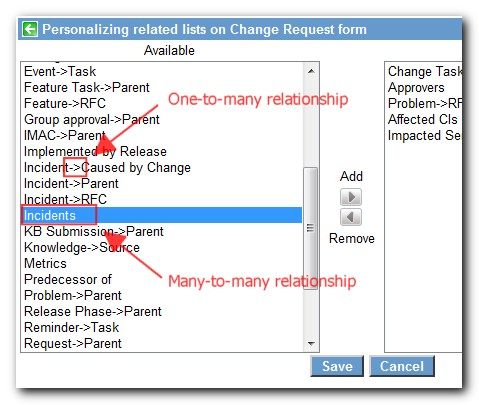
Where You See It Without Realizing
Whenever you open a record and scroll down, you’ll notice related lists, such as:
- Incidents related to a CI
- Tasks within a change request
- Approvals linked to a request
These lists don’t appear randomly.
They show up because a one-to-many relationship already exists.
If it appears automatically, the system already knows the tables are connected.
If you add it manually, you’re basically telling ServiceNow:
“These two tables need to communicate.”
How ServiceNow Creates These Links
The mechanism behind a one-to-many relationship is surprisingly simple:
A reference field.
Whenever Table A needs to know about Table B, a reference field of Table A is placed inside Table B.
For example:
If one Department needs to be connected to many Users:
- You add a reference field for Department in the User
Now ServiceNow understands:
- One department → many users
- But one user → only one department
That’s a perfect one-to-many structure.
No fancy logic — just a reference field doing its quiet but important job.
Why This Matters in Real Projects
Let me share a quick scenario.
During an ITSM setup, the client wanted to track which machine each employee used. Sounds simple.
But they also needed answers like:
- How many requests came from each machine?
- Which machines had repeated issues?
- Were certain departments using outdated hardware?
Without a User → CI relationship, none of this reporting was possible.
Once we added the relationship:
- A single CI showed all linked incidents.
- Managers could view all machines under their teams.
- Reports suddenly became meaningful instead of random numbers.
That’s why I say these relationships quietly run the system.
Making One-to-Many Relationships Work for You
Here’s the truth:
Creating a relationship is easy — creating a useful one requires thought.
Before adding a reference field, ask yourself:
- Does this connection make sense in real-life logic?
- Will users actually benefit from this link?
- Will it simplify reporting or make things confusing?
- Does it support routing, automation, visibility, or governance?
Two things can be linked, but that doesn’t mean they should be.
Good data structure is like clean plumbing — one wrong connection can create a chain reaction of issues.
A Few Common Places You’ll See One-to-Many
Some everyday examples from ServiceNow:
Caller → Incidents
- One caller can create multiple incidents.
Change Request → Tasks
- A change may include many tasks.
CMDB CI → Incident/Problem/Change Records
- A CI often sits at the center of numerous issues.
Knowledge Base → Articles
- One knowledge base contains many knowledge articles.
Once you start observing these patterns, the platform’s design becomes far more intuitive.
The Beauty of Related Lists
Related lists are the visual confirmation of these relationships.
When you see lists like:
- Affected CIs
- Incidents
- Approvals
- Workflow Contexts
…they exist only because tables have a one-to-many or many-to-one link.
If a related list isn’t showing, you can easily add it:
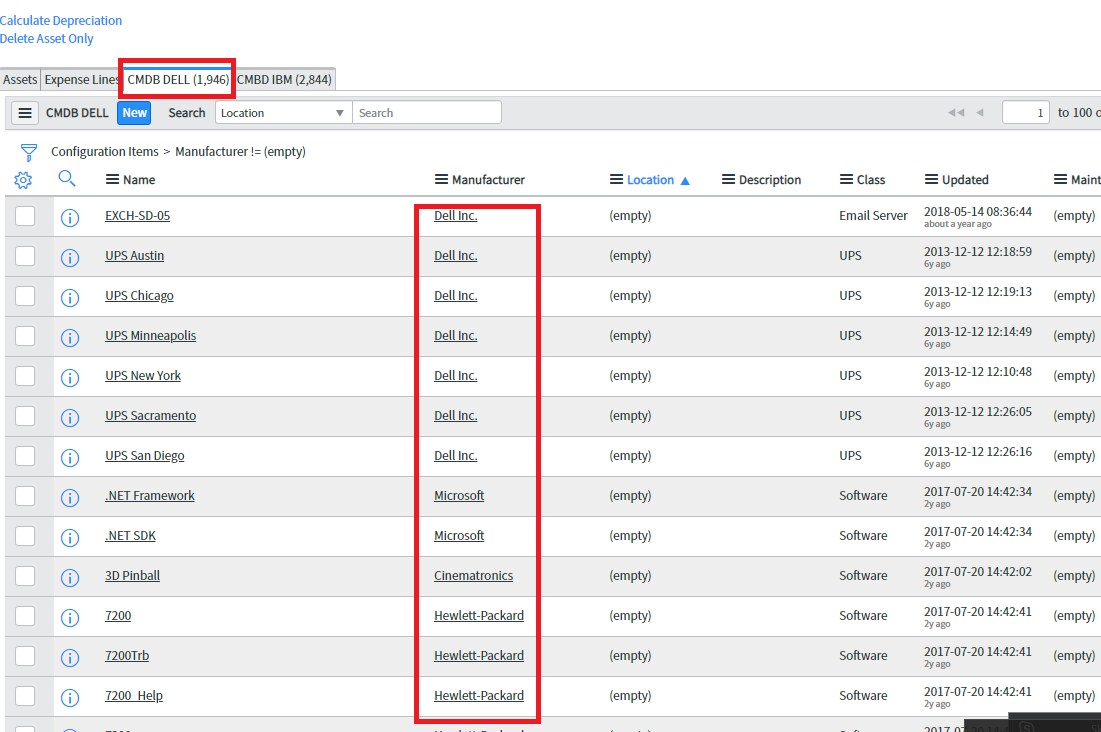
Form Layout → Related Lists
That small action can completely change how users understand a record.
The Hidden Problem When It’s Missing
I once worked with a team who complained that incidents weren’t showing related tasks.
They assumed the system was broken.
But the tables were already linked — someone had just removed the related list.
Putting it back took less than a minute.
The team said it felt like a major system fix.
Sometimes ServiceNow doesn’t need new features —
it just needs you to reveal what’s already there.
Final Thoughts
One-to-many relationships in ServiceNow aren’t just a technical detail — they are the invisible architecture that makes the platform work as a unified system rather than a set of disconnected tables.
When you understand them:
- Data becomes cleaner
- Forms make more sense
- Reporting improves
- Workflows behave more intelligently
So when building or customizing anything in ServiceNow, don’t just focus on fields and forms —
pay attention to how your tables communicate.
A well-connected system is a smooth system,
and one-to-many relationships are the quiet reason behind that harmony.