
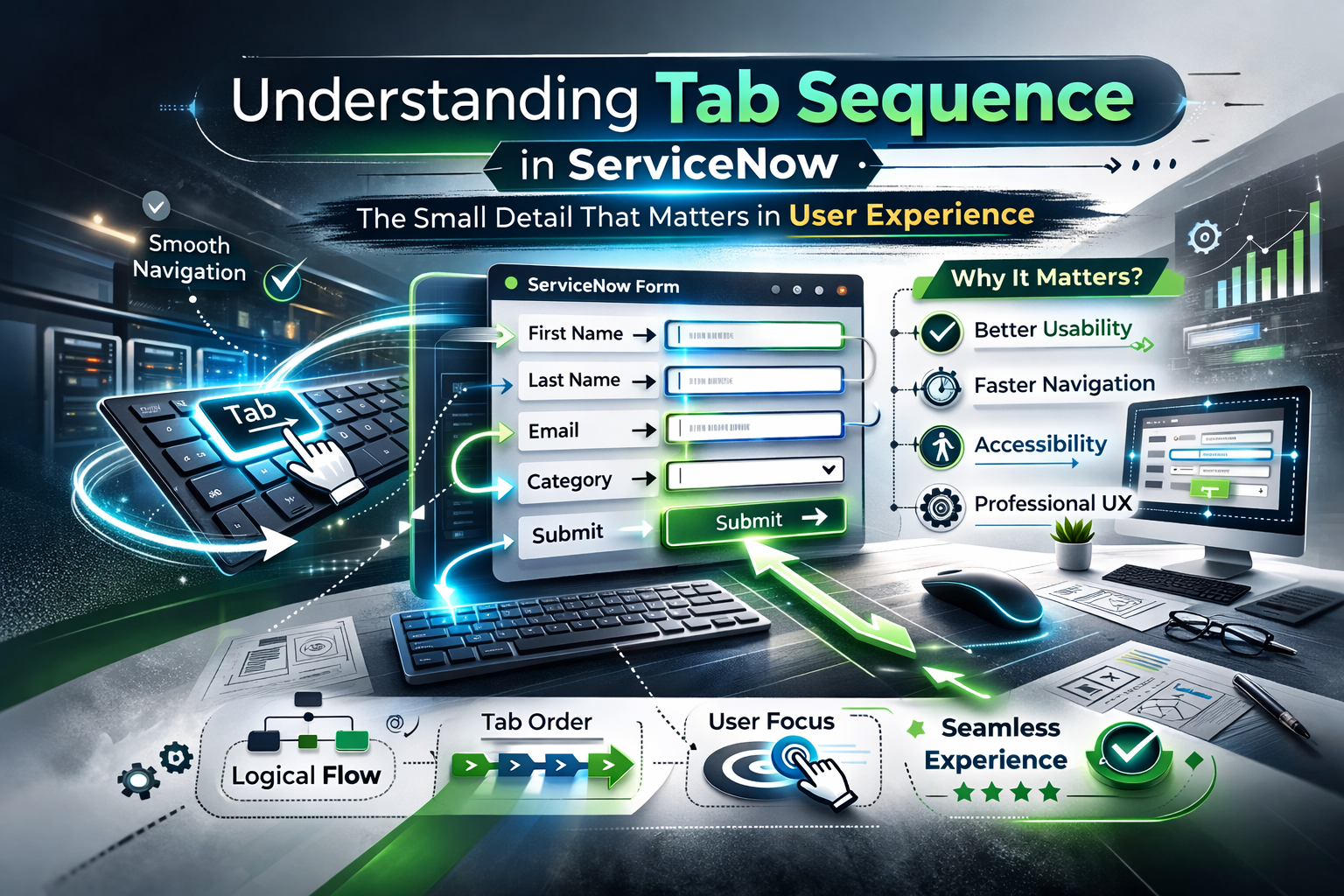
Where this user experience conversation for ServiceNow typically takes place is on a topic related to a form, UI policy, automation, or a specific dashboard. Chances are that tab order will never be brought up. This is true because it is something that most administrators don’t think about until it comes to their attention that a form “just doesn’t feel right,” “is a nuisance to complete,” and so forth.
A very small aspect, such as tab sequence, never appears in requirement documents but is a huge factor in user interaction with a platform. A great job is done if a user goes through a form seamlessly without giving it a second thought. A wrong job is done if updating a record becomes frustrating.
The purpose of this blog post is to take a reality check on what tab sequence actually means and its implications in ServiceNow, and to understand the impact of tab sequence and its mechanism.
What Is Tab Sequence, Anyway?
Instead of using the mouse to click each field, some people use the keyboard to navigate through the fields quickly. Each time the Tab key is pressed, the pointer moves from one field to the other. The order in which the pointer moves from one field to another is called the tab order.
In other words, tab sequencing determines data entry flow.
A natural flow of motion from “Caller” → “Short description” → “Category” makes a form seem smooth. However, when it randomly moves its pointer to a hidden or unrelated field, the experience stops being smooth.
Why Tab Sequence Matters More Than You Think
Tab sequence is not only a technical setup. Productivity gets directly affected by it, especially for a user who creates or updates records throughout the day.
Think about:
- Service desk agents are logging dozens of incidents per hour.
- HR teams are processing employee records.
- Change managers updating forms during reviews.
Poor tab order for these users wastes time and irritates them.
A poor tab sequence can:
- Slow down from completion.
- Make users miss filling out necessary fields.
- Lead to the entry of wrong information.
- Create unnecessary frustration
On the other hand, a good tab sequence is invisible. Users don’t notice it, because everything “just works”.
How Tab Sequence Works in ServiceNow
ServiceNow, out of the box, follows the field order on the form layout. Top to bottom, left to right.
However, this default behaviour starts to fall apart when:
- Fields are added later.
- UI policies are used to hide fields.
- Sections have been re-ordered.
- Fields are shifted visually, but not logically.
ServiceNow still remembers the original order unless you tell it otherwise. That’s where tab order customization comes in.
Where Tab Sequence Is Defined
The tab sequence is controlled from the Form Layout itself.
Here’s how it works conceptually:
- In the
- Each field on this form has a position.
- It also sets the position of the tab order.
- If the layout of the fields is changed, the tab order might not change automatically.
- You may specify the correct order yourself.
What this means is that a form might look good but perform terribly when tabbed through by users.
A Real-World Example
Suppose that the form for reporting incidents will look like this:
- Caller
- Short description
- Category
- Subcategory
- Assignment group
But when the user presses Tab, the cursor moves as follows:
- Caller
- Assignment group
- State
- Brief description
Suddenly, the user is jumping all over the form.
“This usually happens because”
- They were introduced at various times.
- The sections have been re-.
- Fields that were hidden but were a part of the order.
It is okay aesthetically. It is broken functionally.
How to Fix Tab Sequence Right
Correcting the tab sequence does not require a single script or plug-in. Detail is needed.
The right way to do this is:
- Open the form
- Navigate to Configure > Form Layout.
Ensure that:
- Fields are ordered logically
- Related fields should be grouped.
- Place frequently used fields toward the beginning of the list.
The aim is to resemble how people think, not how the table is constructed.
Creating a Logical Tab Flow
In determining tabbing order, a user thinks, not acts, like an administrator.
- What were the conditions for this pardon?
- What information input is needed first?
- What fields require the previous selections?
- Fields that require previous
- What are some optional areas of study that can be pursued at a later date?
- Which areas of study are less commonly accessed?
“
A good general rule of thumb:
- Identification first (Caller, Requested for)
- Description next (Short description, Description)
- Classification fields after that: Category, Subcategory, Impact, Urgency
- Assignment and status fields later.
This reflects the way most users actually think.
Hidden Fields and Tab Sequence Issues
One of the most common tab sequence problems comes from hidden fields.
Even when a UI policy hides a field, it may remain in the tab order, creating the appearance that the cursor “disappeared” for the user using Tab.
To the users, it appears as though the system has hung.
The solution is easy but commonly missed:
- Clean up the layout by removing unused/hidden fields.
- Or ensure they come later in the sequence.
- Or conditionally hide them without breaking the flow.
A clean form layout almost always creates a clean tab sequence.
Tab Sequence and Accessibility
Tab sequence isn’t just about convenience. It actually plays a major role in accessibility.
Users depending on:
- Accessibility Keyboard navigation
- Screen readers
- Assistive technologies
Rely very much on logical tab order. An illogical tab sequence can render the form almost unusable for such users. By fixing tab order, you’re improving not just usability but making the platform more inclusive.
Typical Blunders by Admins
With the passage of time, certain patterns repeat themselves and again:
- Ignoring tab order entirely
- Assuming visual order = Tab order
- Assuming visual order =
- Including fields without assessing form behavior
- Hiding fields without keyboard navigation
- Handling tab sequence as a “minor detail.”
Such small mistakes can add up, especially in frequently used forms.
The Importance of Tab Sequence in Custom Applications
While designing customized applications with ServiceNow, the importance of tab sequence is amplified.
These apps can often:
- Have unique workflows
- Use non-standard field groupings.
- Used for specific business processes
If tab sequence strategies are not developed early on, users will have problems even if the logic is correct.
“If an app is custom-made and done correctly, it seems very natural,” says Ascher. “The tab order is a big part.”
Testing Tab Sequence the Right Way
One of the best practices for the admin that one can induct is:
- Enter the information on the form using the Tab key.
No mouse. No mouse clicks. If it feels smooth, your sequence is fine. If users find the feeling frustrating, so do users. It can help pick out problems that might not have been noticed otherwise.
Final Thoughts
An example of this is tab sequences in ServiceNow: this is where “tiny details make big differences.”
- It does not require technical knowledge.
- It does not appear in reports.
- It doesn’t get recognition when things go right.
- When it is right, it is not immediately apparent to users.
By spending a few minutes planning a logical tab order, you can:
- Improve data entry speed
- Lower user frustration
- Enhance accessibility
- Add a professional feel to forms.
At the end of the day, highly effective ServiceNow implementations are more than just about automation and integration. They’re about design. And while tab sequence may be silent and unnoticed, its impact on the design process cannot be overstated.





No comment