
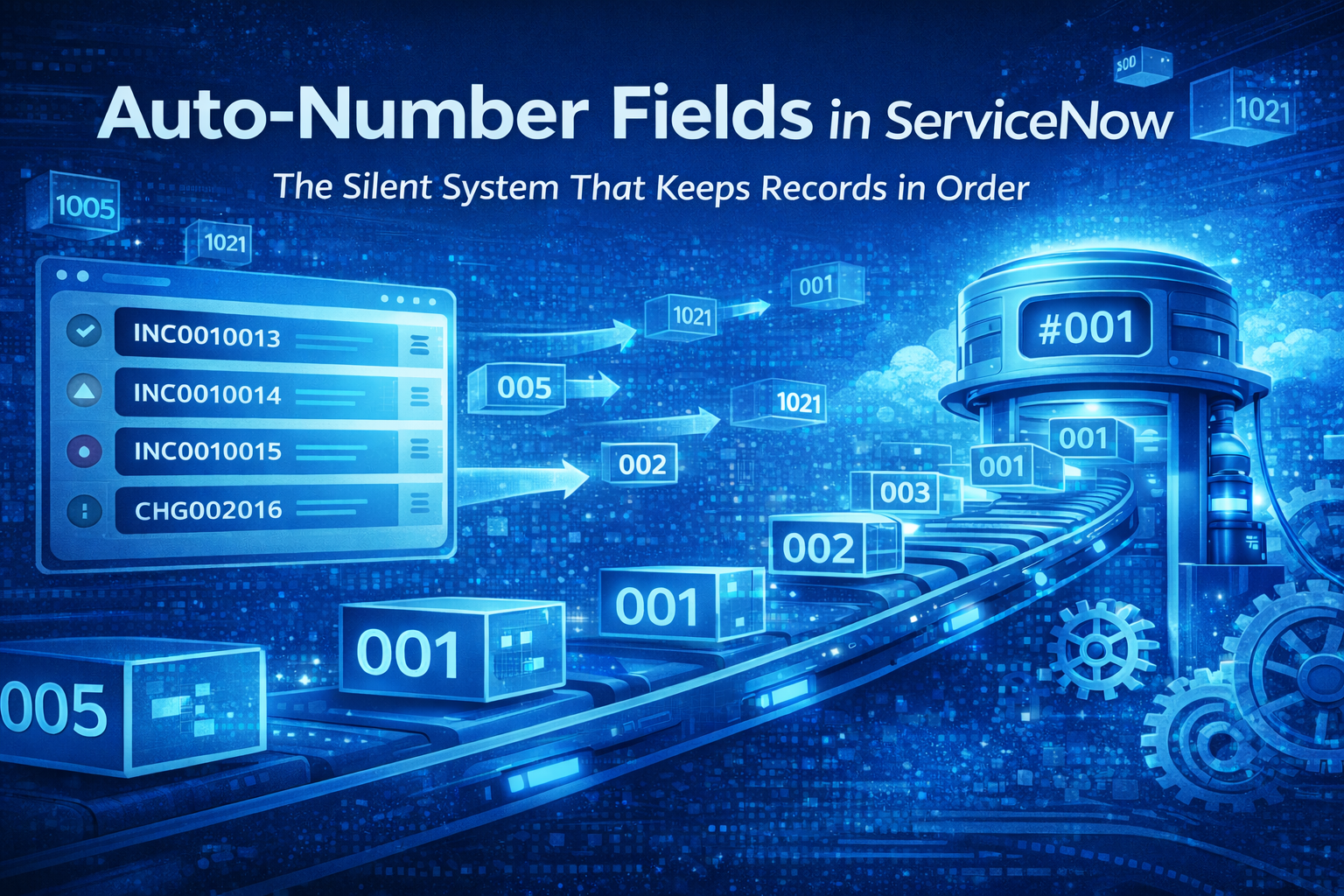
When discussing the customization of ServiceNow, people are typically referring to workflows, the Flow Designer, scripting, and integrations. Auto-number fields are usually nowhere to be found in the discussion. They seem nondescript. They do not present logic and conditions. They seem rather bland. They are used in all serious ServiceNow installations.
These auto-number fields are the reasons why incidents display readable numbers, change requests occur in an easily understandable order, and why records don’t end up as a jumbled nightmare of nonsensical numbers. These auto-number fields operate behind the scenes; their sole purpose is to perform what is arguably their best function: ensuring each record contains a unique identifier readable by a human being.
When you begin to develop more applications using ServiceNow, it will soon be apparent that the value of auto-numbering is much more than just looks. It is an important component of usability, reporting, audits, integrations, and even user trust of the application.
What is an Auto-Number field?
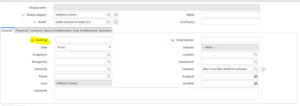
An auto-number field is generated by the system automatically every time a new record is created. Unlike normal fields, Users don’t have to enter this value themselves; ServiceNow assigns it itself and makes sure no two records will get the same number.
You see auto-number fields everywhere:
- INC0001234 for incidents
- CHG0004567 – this would be used for change requests
- RITM0010023 for requested items
These numbers are not random. They follow a specific pattern, are sequential, and guaranteed to be unique.
On a basic level, auto-number fields solve one simple problem: identification. But the impact goes far beyond that.
The Necessity of Auto-Number Fields in ServiceNow
ServiceNow has users, not just systems. Though the tool itself has sys_id values assigned to records, these values are not exactly friendly to the end user. Who wants to be the one telling the customer,
“Please address sys_id 9f2a1c0fdb312300?”
Auto-number fields are used to connect machine precision to user-friendly designs.
These laws exist due to the
It is required that humans have readable identifiers.
“The new system requires each record to
The numbers should always abide by a certain specific format.
Users must not have to make their own IDs.
“Audit trails must be consistent.”
If it were not for auto-numbering, it would be impossible to have reliable record management.
How Auto-Numbering Functions in the Background
Although it seems that auto-number fields are quite straightforward, they are handled extremely cautiously by ServiceNow.
Every auto-number field is associated with a number maintenance system for tracking the following:
- The present number
- The prefix (if any)
- The increment pattern
- The change
- Padding (number of digits)
While a new record is being created, ServiceNow seeks the next number to be used and locks it before assigning it and then incrementing it for another record to be created. These processes are done instantly and are safe despite having hundreds of users creating records concurrently.
This makes auto-number fields a dependable choice even in a corporate setting with a high number of transactions.
Common Places Where Auto-Number Fields Are Used
Most users believe that auto-numbers are restricted within ITSM records. However, they are used way beyond that.
Typical examples are:
- Incidence numbers
- Change Request Numbers
- Problem numbers
- Asset Tags
- Contract numbers
- Cases number
- Custom application records
- HR cases
- HR Requests and tasks
Any table where data has to be referred to, tracked, or discussed would profit from auto-numbering.
Auto-Number vs sys_id – Why Both Matter
A mistake that new developers make is assuming the auto-number field replaces the sys_id. It doesn’t.
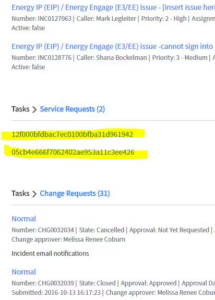
They have different uses:
- sys_id is for the system
- Auto-number is for humans
The sys_id is never changed, is globally unique, and is immutable. The auto-number is readable, formatted, and has an understandable value.
For instance, the integration might utilize the sys_id in the back-end processes, whereas the user interaction is done using the numbers of the incidents.
Constructing Auto-Number Fields for Custom Tables
While designing a custom application, one of the first choices that you need to consider is whether or not the table contains an auto-number field. The answer in most situations is yes.
Creating one is easy:
- Insert a new field in the table
- Set the field type = Auto Number
- Definition of prefix (optional)
- Number of digits
- Salvage the field
With this configuration in place, each new record will then automatically assign a value. There are no scripts involved.
That is why auto-number fields are more preferred over manual number generation. One reason is the simplicity involved.
Why Auto-Number Fields Improve User Experience
People have faith in systems that come across as organized. Auto-number fields add to that feeling more than most people would imagine.
They help users to:
- Refer to the records in conversations
- Search fast
- Avoid confusion between similar records
- Confirm the existence of a record
- Be confident that the system is structured in this way
Imagine a helpdesk with no incident numbers. Each stakeholder would have to give further explanation on everything. Auto-numbers grease that friction.
EITC Reporting & Auditing Features
From a reporting point of view, auto-number fields are extremely helpful.
They enable you to:
- Number of cases over time
- Detect gaps/caves or missing entries
- Sort the data on the timeline
- Reference or quote records in auditing
Auditors prefer record numbers to system IDs in most cases. A clean and simple sequence of record numbers makes compliance and checking easier.
Auto-Number Fields in Integrations
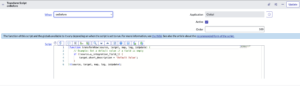
When interfacing with external systems, auto-number fields become the common link for ServiceNow.
External systems might not understand the sys_ids in ServiceNow, whereas they can readily store and recall an incident number or a case number. This is where auto-number fields in ServiceNow become important:
- Ticket synchronization
- Integraciones basadas
- API Responses
- Third-party reporting solutions
Good numbering systems prevent confusion between systems.
Common Mistakes to Avoid
Although very simple, the auto-number field can be used incorrectly.

Certain common examples are:
- Applying AutoNumbers as Business Logic Keys
- Using different formats for numbering after production
- Creating multiple auto-number fields when unnecessary
- Expecting the auto-number fields to be consecutive (they may have gaps due to cancellations or rollbacks)
Auto-number fields should be considered identifiers, not logic drivers.
When You Should Not Use Auto-Number Fields
Not every table requires an AutoNumber field.
“Avoid using them when:”
- All records are purely system-generated documents
- The users never use this table
- There is already a natural, unique key
- The table used shall only be for the junction/M2M table
Sys_id is generally enough in such situations.
A Real-World Scenario
In one example, a client started with a “Case ID” field entered manually. Analysts often entered wrong numbers, duplicated inputs, or just left them blank. The reports were now inaccurate, and nobody trusted those results.
Simply changing that field to an auto-number corrected the issue. The data became normalized, searches improved, and reporting became accurate for once. Nothing more was needed.
In some cases, the solution to problems can lie in making the simplest changes.
Final Thoughts
Auto-number fields in ServiceNow may not be the most glamorous things, but they function as the building blocks of the platform. They add much-needed structure to a tool that processes so much information daily.
They facilitate discussions about records, help in locating them, and make them credible. Whether you are designing some ITSM solutions, HR solutions, or customized enterprise software, auto-numbering functions in the background ensure keeping everything is in order.
When you begin designing tables purposefully, you will realize that well-numbering is not a secondary consideration. Indeed, good architecture includes good numbering.
And, typical of many of the best qualities of ServiceNow, auto-number fields work so seamlessly that no one notices them until they’re no longer there.




No comment