Understanding Extension Table Relationships in ServiceNow: The Smart Way ServiceNow Organizes Data
When you first start exploring ServiceNow, everything appears simple and well-organized. Tables look straightforward; reference fields make sense, and forms behave exactly how you expect. But the deepener you go—especially when building custom applications—you start noticing something unusual: dozens of tables that seem connected, yet not in the basic “parent–child” or “one-to-many” ways we commonly learn.
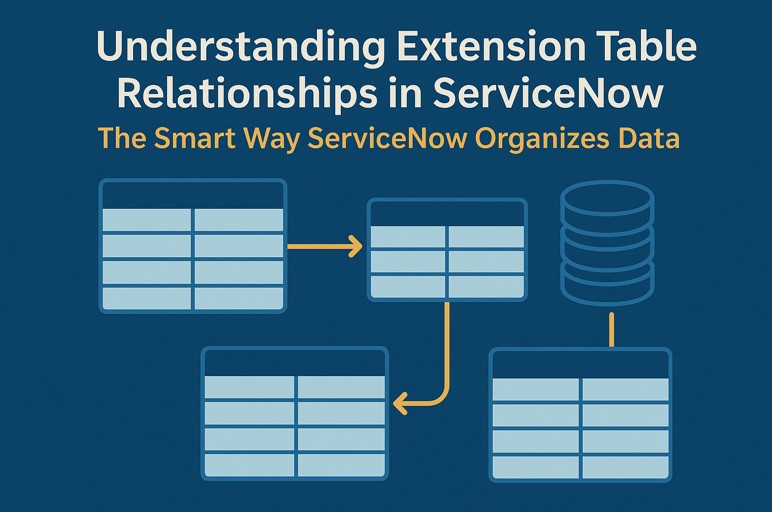
That’s when you bump into one of ServiceNow’s most powerful design concepts: Extension Table Relationships.
These aren’t flashy. They don’t scream for attention. But they silently shape how the whole platform stores, displays, and retrieves data. If you ever wondered how ServiceNow keeps things scalable without duplicate data everywhere… extension tables are a big part of that secret.
What Are Extension Tables in ServiceNow?

Imagine you have a base concept, such as a “task.” Tasks come in many shapes:
- Incidents
- Problems
- Change Requests
- Catalog Tasks
- Security Incidents
- And many more
All of them behave like a task, but each type also needs its own fields.
This is where extension tables come in.
- An extension table is a table that extends another table, inheriting all of its fields while adding its own specialized fields.
- The parent table gives the general structure, and the child (extended) table adds the unique details.
For example:
- task → parent
- Incident → extends task.
- Problem → extends task.
So every incident is a task, but not every task is an incident.
Why Does ServiceNow Use Extension Tables Instead of One Big Table?
If you stored every task type inside one single table with hundreds of fields, three things would happen:
- The table would become bloated and heavy.
- Most records would waste space storing fields that didn’t matter to them.
- Reporting and indexing would slow down.
Extension tables solve this problem beautifully.
1. Pure and Effective Data Storage
- Only the fields that are truly required are stored in each extended table.
- The parent level is where the shared (inherited) fields are kept.
- This speeds up queries and lowers database noise.
2. Organic Framework for Wide-Ranging Uses
- The table hierarchy remains consistent even when new modules—ITSM, HRSD, SecOps, and CSM—are added.
- Without interfering with already-existing data, everything fits into the larger structure.
3. Developers’ Flexibility
- Any table can be expanded, and you can design your own data model without interfering with the logic of the platform.
- It is future-proof and scalable.
The Behind-the-Scenes Operation of Extension Table Relationships
You might initially assume it’s just a row of tables.
However, ServiceNow employs a clever structure known as table per hierarchy internally.
Here’s what happens when you view or query a record:

- You open an incident record.
- ServiceNow fetches the fields from the task table.
- Then it fetches fields stored only in the incident table.
- The platform merges them together into one form.
All of this happens lightning fast, without you even realizing it.
Although the system treats the record as a single table, it actually exists in two tables.
So when you write something like:
current.brief_description
- Whether the field is on the parent or the child is never a concern.
- Behind the scenes, ServiceNow takes care of it discreetly.
An Actual Case: The Significance of Extension Tables
Assume you are developing an application for travel requests.
You could build a stand-alone table.
However, you will have to deal with:
- Permissions
- SLAs
- Alerts
- Tasks
- States
- Workflows
Or…
You could extend the task table.
Suddenly, your travel request automatically gains:
- Compatibility of workflow
- Management of the state
- Features of the assignment
- Activity records
- Integrated reporting assistance
- Tracking changes
And you can still add custom fields like:
- The destination
- Dates of travel
- The amount of the budget
- The reason for travelling
This is how extension relationships work their magic: they give you the strength of inherited traits without requiring you to start from scratch.
Where Extension Tables Are Already Visible Every Day
Extension tables are everywhere in ServiceNow:
- cmdb_ci is the base for ALL configuration items
- task is the base for all operational workflows
- sys_user is extended for customer profiles in CSM
- sc_request and sc_req_item support catalog behavior
- kb_knowledge extends base record structures for knowledge management
Every major module uses them—even ones you’ve never opened.
When Should You Use Extension Tables in Your Own Apps?
Use them when:
- Your table needs every capability of a base table.
- You want activity logs and history tracking automatically.
- You want workflows and states without custom code.
- Your record type is conceptually similar to an existing parent.
- You expect your app to grow in the future.
Avoid extending tables when:
- Your data has no logical relation to the parent.
- You only need a few shared fields (use reference fields instead).
- The inherited fields are useless for your use case.
- The hierarchy becomes too deep or confusing.
General rule:
- Extend when your table “is a type of” the parent.
- Don’t extend when your table is simply “related to” the parent.
Common Mistake: Extending the Wrong Table
Beginners often extend the task table for everything because it seems convenient.
But this can backfire.
For example, a table for:
- Student profiles
- Book records
- Office inventory
- Lab results
…is NOT a “task.”
Extending incorrectly causes:
- Unwanted fields
- Cluttered forms
- Confusing reporting
- Poor performance
Always think carefully before extending.
Why Extension Relationships Make ServiceNow Feel Like a Smart Platform
Extension tables support:
- Clean data modeling
- Predictable behavior
- Low maintenance cost
- Faster development
- Smooth upgrades
- Minimal scripting
- Better performance across large datasets
This is why huge organizations can run thousands of apps on the same instance without slowing down.
Concluding Remarks
Extension Table Relationships subtly support some of ServiceNow’s most powerful features. They provide you with:
- The conventional database inheritance structure
- The adaptability of developing custom apps
- The effectiveness of well-planned architecture
And they ensure future-proofing for enterprise-level growth.
Learning how to use extension tables correctly is a major step toward becoming a true ServiceNow expert.


